Manage your projects entirely in Excel.
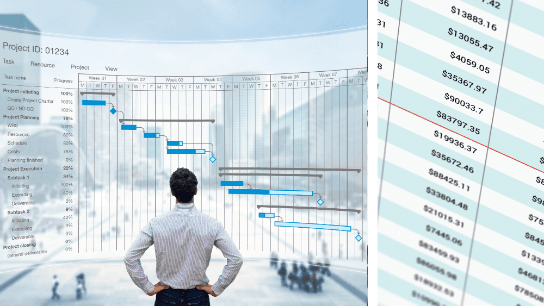
Manage a project from creating the Project Charter during the Initiation phase through task management and stakeholder communication all the way to Closeout—all within Excel.
Many tools can be used for Project Management, but Excel has the power to cover your Project Management needs. Instead of learning new software, leverage the power of Excel to create the deliverables of a Project Management Plan, including the Project Charter, Requirements, Issues Log, Work Breakdown Structure (WBS), Risk Register, and Stakeholder Communication. When all the information about your project is compiled in one workbook, you can answer any question about your project.
In this course, Microsoft Certified Trainer and PMP Christina Tankersley walks you through creating each deliverable and customizing it to the needs of your project. Using multiple Excel worksheets, you will always know where to track a new piece of information. A new requirement identified? Add it to your Requirements sheet. A new stakeholder? Add them to your Stakeholder Communication sheet. Without any additional project management tools, you can track all the information you need, and use Excel features such as linked fields and conditional formatting to create a professional and effective Project Management Plan.
Topics covered include:

Powering Productivity, One Brain at a Time!
Combining TV-style video production with modern graphics and animation, Bigger Brains courses are popular with both learners and training professionals around the world. Our top teachers and subject matter experts have real-world experience and create the most realistic and comprehensive training courses possible. Bigger Brains courses are built in a unique “Teacher/Learner” style, featuring two people on camera to recreate some of the interactivity and physiological benefits of classroom training, including dialogue, humor, and practical use case examples. This Uniquely Engaging™ video-based format is more enjoyable and more effective than traditional eLearning formats.
