Master Claude Cowork for Real Work, Documents and Agentic AI Workflows — No Coding Required
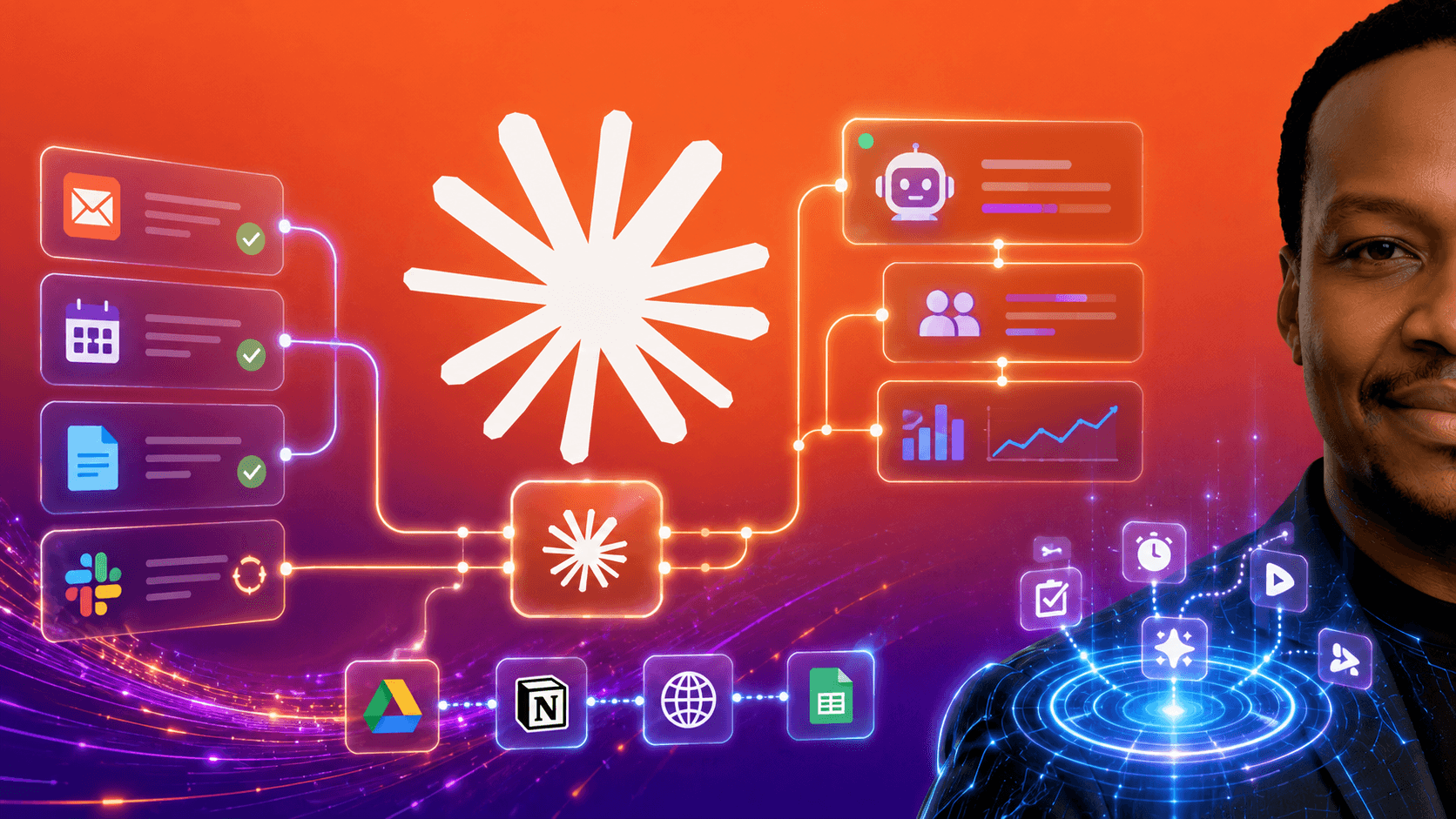
In this course, you'll learn how to move beyond AI chat and simple prompts to use Claude Cowork, Anthropic's agentic AI platform to execute real tasks, automate your workflows, and get finished work done without writing a single line of code.
You'll go from understanding what agentic AI actually means to running intelligent, multi-step workflows that connect to your files, your apps, and your data — and deliver real outputs you can use immediately.
We'll start with the foundations of Claude Cowork and why it's fundamentally different from the Claude you may already be using. Then you'll learn how to give Cowork access to your work, use Projects to build persistent memory and context, and assign tasks that Claude executes end-to-end — reading files, making decisions, and saving finished outputs — while you stay in control.
A core focus of this course is building workflows that actually run your work for you.
You'll learn how to:
Organise messy folders, process data, and generate polished reports from raw files
Schedule recurring tasks so Cowork runs your regular work automatically — daily, weekly, or on any cadence you set
Connect Cowork to Gmail, Google Drive, Google Calendar, Microsoft 365, Slack, and 38+ other apps
Build multi-app workflows that span connectors and local files in a single brief
Use Skills and Plugins to give Claude deep domain knowledge for your specific role
From there, you'll go further with advanced Cowork features, including:
Live dashboards and trackers that auto-refresh from your data
Computer Use — letting Cowork control your screen for tasks with no connector
Dispatch and mobile pairing — assigning tasks from your phone and coming back to finished work
Sub-agents that handle specialist tasks end-to-end with built-in domain expertise
You'll also master practical, real-world applications of Cowork for:
Document creation, report writing, and data extraction from PDFs and contracts
Customer feedback analysis and supplier management
Marketing content, social posts, and product launch workflows
Multi-app automation across your entire tool stack
Recurring business operations — running automatically, without you triggering them
By the end of this course, you won't just be using AI.
You'll have an intelligent, automated operation running around your work — one that reads your files, executes your workflows, connects to your tools, and delivers finished outputs while you focus on the decisions only you can make.
This is a hands-on course built around live demos, real workflows, and a running business scenario used across every lesson — so you can see exactly where to click, what to type, and how to apply it to your own work immediately.
No coding. No technical background required. Just real work, done faster.

Exploding Your Team's Productivity To Deliver Your Projects On time, On Budget
Paul is the CEO/Managing Director and Chief Consultant at Pashun Consulting Ltd, author of Scrum Mega Pack AI and Agile instructor and a certified scrum master, experienced senior programmer and coach with experience in international blue chip companies dating back to 1999. That experience includes leading projects for the BBC, General Electric, Oracle, BSkyB, HiT Entertainment (responsible for Angelina Ballerina, Bob the builder and other titles that you love watching with your kids or siblings but won't admit to) and Razorfish. These roles have all involved leadership on a wealth of mobile, internet TV and web software projects.
